
A smart home controller is not a product; it is a decision regarding a surface for a specific person at a given time of day. Where families interact with the various systems running in the walls of their home on a daily basis: the smart home controller, becomes the natural interface point for that family. Most interface discussions begin with hardware specs and never quite reach the real issue: who actually lives in this house, and what will they reach for without stopping to think?
The number of options for controlling your connected home has proliferated greatly recently: wall-mounted keypads, in-wall touch screens, mobile apps, voice control, remote control devices. Each option deserves to be placed in the right context. The problem is that a connected home with six equally weighted control paths tends to produce friction rather than convenience.
Someone who can make the dining room darker from a panel in a hall, can make the room darker from a Savant remote on a sideboard and from a phone app, will likely use the wrong one at the wrong time. Not because the technology failed, but because no one made a decision on which one would be the winner.
The interface conversation at Homeva comes before any hardware decision making. The integrated smart-home services are mapped out by first understanding how a family moves through a house and then working backwards to determine what kind of smart home controller type fits those patterns before a single component gets specified.
Why the Primary Interface Question Comes First
So often smart home evaluations pick particular systems and then look for how to control them once a decision has been made about those individual systems (e.g. how to control lighting after having decided on a lighting scheme, how to control shading after having decided on a series of audio zones, and then ask how to operate all of it) That sequence almost always delivers more interfaces than anyone needs. Each platform arrives with a preferred control path.
The lighting team is keen on keypads, the AV integrator wants a dedicated remote, and the security panel comes with a neat touchscreen. So by the time the project closes, a single room can carry four ways to turn the lights off, and none of them feels like the obvious one.
Smart home controllers have reversed their strategy. Instead of deciding on surfaces prior to selecting an interface to control systems on those surfaces, smart home integrators first select an interface that will be primary to all household members and then design other surfaces to support that chosen primary interface.
A wall panel at a fixed location on the wall, pressed by a physical switch, is often the primary interface for a home containing children and adults of very different levels of technical literacy. But a couple who travel frequently and manage their home remotely will find a well-designed app is often a better interface. The question of which looks best in a spec sheet; it is which one disappears into how the household already behaves.
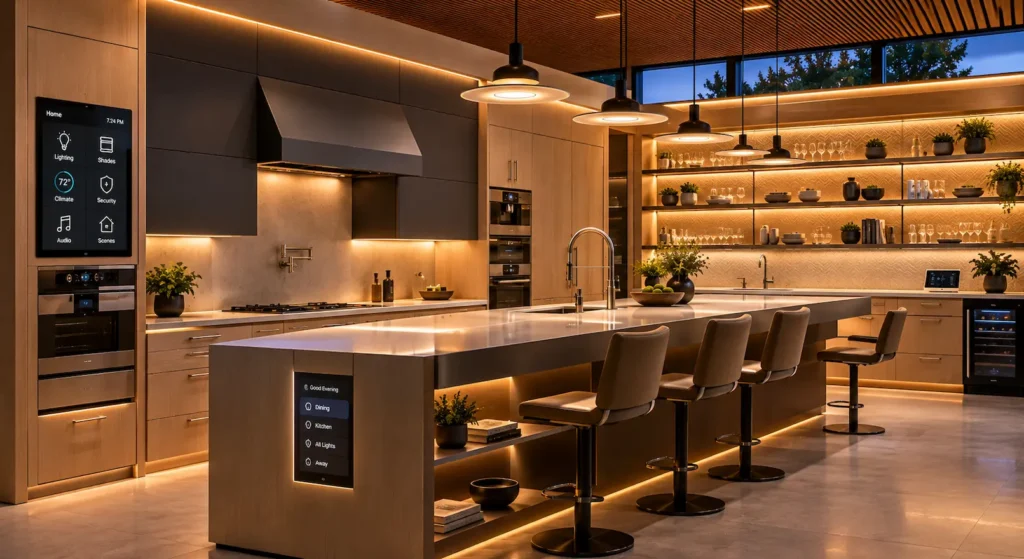
Wall Keypads: Permanent, Physical, Predictable
Of the smart home controllers available today, the wall keypad is without a doubt the longest running of the high-end smart home integration devices. The reason it continues to find favor with installers and homeowners alike has nothing to do with tradition. A backlit button engraved with “Away” or “Evening” does not require the user to know what it controls.
No login. Always On. Consistently Performing the exact function that you need it to every time you press it, something that most touch screens and apps fail to do for months after installation.
The tradeoff for this design is scope. A keypad with six to eight buttons can control the most used scenes in your home 90% of the time, and everything outside that repertoire calls for a second surface. That is not a design shortcoming; it is the intended division of labor.
A primary smart home controller strategy built on keypads, with a touch panel or app handling the less frequent interactions, tends to produce strong adoption across all family members because the default experience asks nothing of the user except knowing where the panel is.
In-Wall Touch Panels: Everything in One Fixed Place
The touch panel, always on, always charged, always in the same place, delivers a full app experience from that location. In-wall panels from Savant, the TSW series from Crestron, and touch panels from Control4 all offer different profiles in terms of display, programming, and system integration. Consolidation of all key functions; lighting scenes, shade positions, climate setpoints, source selection, camera feeds, door locks, and energy data can surface in a single interface with consistent navigation across every room it serves.
A touch panel is the best primary smart home controller for homes with a natural gathering point (e.g. a kitchen island) or a hallway/traverse through to the home’s principal spaces, a mudroom entry, where one high-visibility panel can serve the whole household at the moments that matter most.
Physical permanence is part of the value proposition, nobody needs to find a device, recharge a battery or remember a folder in an app. The panel is there, in the wall where we installed it, and does what it always did best.
There is real value in the programming that goes into a touch panel. A generic list of devices sorted alphabetically is far less useful than a well-marked keypad. Homeva’s design of touch panel interfaces mirror the user’s perception of their home: by floor, by room, by time of day, etc. as opposed to by device or system type. This key is what makes a panel feel like a smart home controller rather than a complicated remote with a large screen.
Mobile Apps: The Interface That Goes Where the Household Goes
Typically every major integration platform has a companion app for smart homes, which for many homeowners becomes the primary working smart home controller. It’s simply always in your pocket, and so becomes the interface of choice for all smart home functionality.
The biggest friction point is consistency. To use a phone as your primary interface for your smart home you assume that the phone is charged, unlocked and has a working data connection. Furthermore you assume that every person that needs to control parts of your home has installed the app.
The app is very good as a secondary or third smart home controller for technically savvy adults who manage smart homes on a daily basis. However, as the main interface to a smart home for a multi-user household, it creates exactly the kind of dependency gaps that erode confidence in the system over time.
One area where apps genuinely outperform physical hardware is in exposing the broader reach of integrated smart-home services: energy dashboards, camera history, multi-zone thermostat scheduling, and third-party integrations that require more visual space than any panel can provide. For those functions, the app is not a convenience layer; it is the only practical surface.
Voice Control and What It Actually Covers
While the market for Voice controlled Smart Home systems is relatively small compared to other smart home control methods, Voice Control is by far the best method for certain tasks. This is because most platforms support Amazon Alexa and Google Home integration, and because hands-free control of the Smart Home is incredibly useful for tasks such as cooking, when a child who cannot reach a keypad needs to change a scene, when a quick command during a workout is the path of least resistance. In those moments, voice is the best available smart home controller for the task.
Outside those moments, voice runs into limits that physical hardware does not have. Commands have to match phrasing the platform recognizes, which creates a memorization requirement that buttons avoid entirely. Multi-step scenes are unreliable without careful programming. In social settings, asking a room to be quiet so someone can speak a command to a ceiling microphone is the opposite of invisible technology.
Households that try to anchor their control strategy on voice typically migrate back to physical interfaces within a few months, keeping voice for the handful of scenarios where it genuinely outperforms everything else.
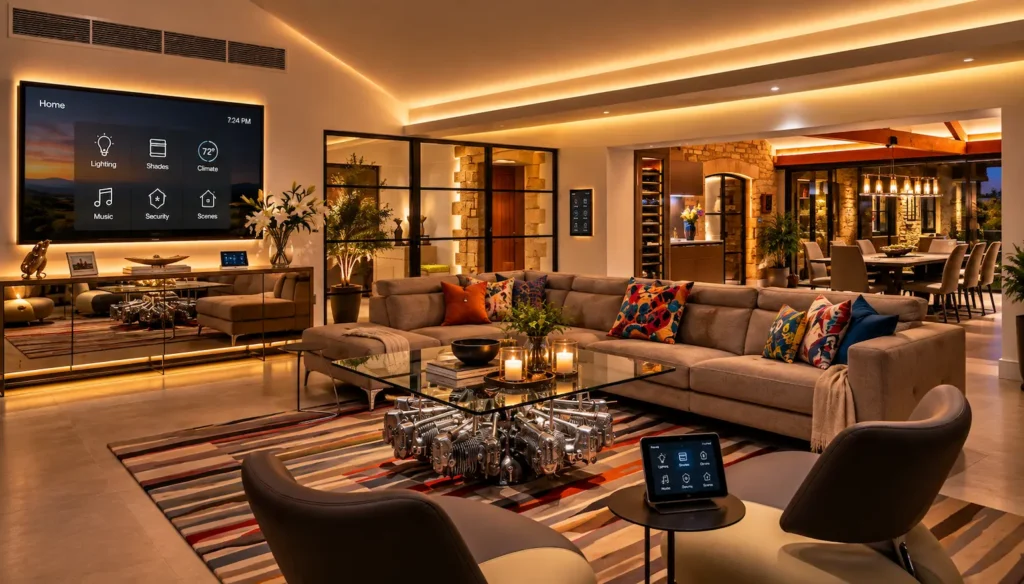
How to Define the Right Hierarchy for One Specific Household
The decision is never about which smart home controller type wins on its merits in isolation. It is about which type matches how a specific household already behaves, well enough that it becomes the default without anyone consciously choosing it.
A practical mapping exercise runs through the three or four moments in a typical day when someone in the household touches the home systems: leaving in the morning, arriving back, settling into an evening, going to bed. For each of those moments, who is performing the interaction, where are they standing, and what are their hands doing? That picture will surface one interface type that handles the majority of those scenarios naturally. That type becomes the primary smart home controller. Everything else earns a supporting role.
The configurations that result look different in every home. A family with young children and household staff often lands on keypads as the primary physical layer with an app for the adults who manage the system, and touch panels at high-traffic points for secondary access.
A couple whose home functions mainly as an entertainment and hosting space may reverse that weighting, treating a well-programmed touch panel in the main living area as the center of gravity and keypads as the room-level supplement. Both are correct answers for the households that chose them.
Making the Interface Disappear Into How the Home Feels
The standard a control layer should be held to is invisibility in operation. A smart home controller that requires a walkthrough tutorial before guests can dim the lights has been configured for the person who built the system, not for the family that lives in it. The difference becomes obvious in the first week after the installation team leaves and the household is alone with the system for the first time.
That handoff experience is the real design target. The measure of a well-considered interface strategy is not how many features it exposes but how quickly every person in the household, regardless of technical comfort, finds the right control without being told where to look. That outcome comes from decisions made at the beginning of the project, not the end.
Contact Homeva to compare the control options with a designer who will map your household’s daily patterns before recommending a single panel, keypad, or button configuration.
FAQ
What is a smart home controller?
A smart home controller is any interface through which a person operates the systems in a connected home: lighting, shading, audio, climate, security, and related functions. The term covers wall keypads, in-wall touch panels, mobile apps, dedicated remotes, and voice assistants, each suited to different use cases within the same home.
Which interface type is easiest for guests and other family members to use?
Wall keypads with labeled scene buttons require no prior knowledge, no device, and no login. They are generally the most accessible smart home controller option for guests, children, household staff, and family members who do not interact with the app on a regular basis.
Can a connected home have more than one type of controller?
Most do. The practical approach is to define one primary interface that covers the most frequent daily interactions and treat everything else as a supplement designed around specific scenarios the primary does not cover as well. The hierarchy matters more than the hardware count.
How does a touch panel differ from a mobile app?
An in-wall touch panel is mounted, powered, and available at a fixed location with no unlock sequence required. A mobile app provides broader access, including from outside the property, but depends on the device being charged and connected. Most households assign each to the scenarios it handles most naturally rather than treating them as interchangeable.
What role does voice control play in a layered system?
Voice is most reliable for simple, single-step commands in hands-free moments. It tends to underperform as a primary smart home controller for multi-step scenes or in settings where spoken commands would interrupt what is happening in the room. In a layered strategy, it typically serves as the fourth interface rather than the first.
How do I decide which interface to prioritize?
Map the three or four moments each day when your household interacts with home systems. Note who performs each interaction, where they are, and what they are doing with their hands. The interface type that covers most of those moments naturally becomes the primary controller, and the rest of the system is built around supporting it.